🎧 MAKE YOUR MIX FEEL 3D
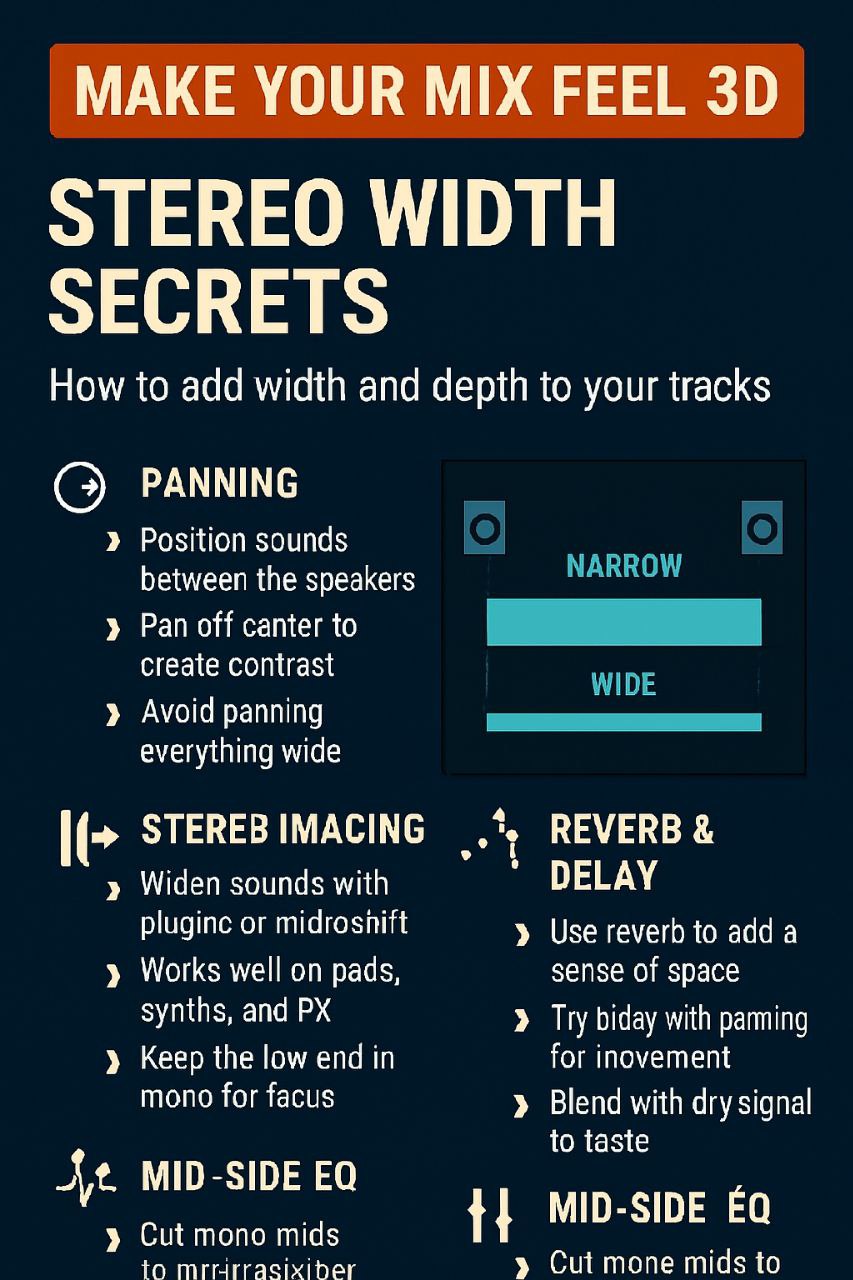
🎧 MAKE YOUR MIX FEEL 3D
Stereo Width Secrets for Pro Sound
🔹 PANNING
- Position sounds between the speakers
- Pan off-center to create contrast
- Avoid panning everything wide
🔹 STEREO IMAGING
- Widen with plugins or microshift
- Works great on pads, synths, FX
- Keep low end mono for focus
🔹 REVERB & DELAY
- Use reverb to add space and depth
- Try panned delays for movement
- Blend with dry signal for clarity
🔹 MID-SIDE EQ
- Cut mono mids to reduce clutter
- Boost sides for extra width
- Lift highs or cut mud for openness
💡 Pro Tip: Always check your mix in mono — if it collapses, your width tricks might be overdone.
@Free_VST_Plugins_1
About our Archive
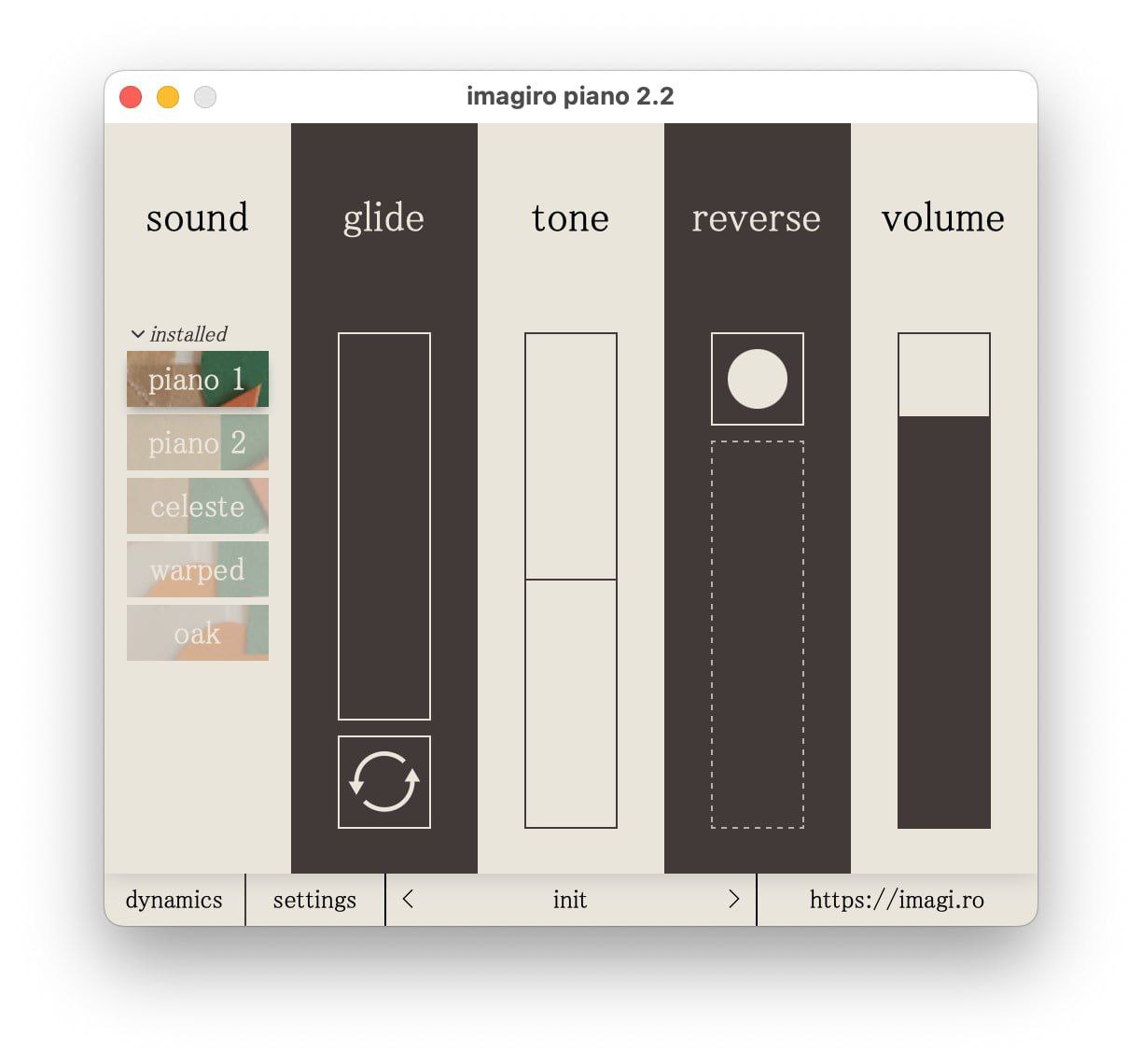
This plugin is part of our extensive collection of free VST plugins. We curate high-quality audio tools for everyone, from hobbyists to professionals. Join thousands of other producers who are building their sound libraries without spending a fortune.
Quick Install Guide
Most VSTs should be moved to your DAW's plugin folder (e.g., Common Files/VST3 on Windows). Once moved, rescan your plugins within your DAW. For more details, check our Telegram channel.
Ready to download?
Join our Telegram channel to get the file and more updates.