
Latest Plugins
1201 plugins found in our archive.
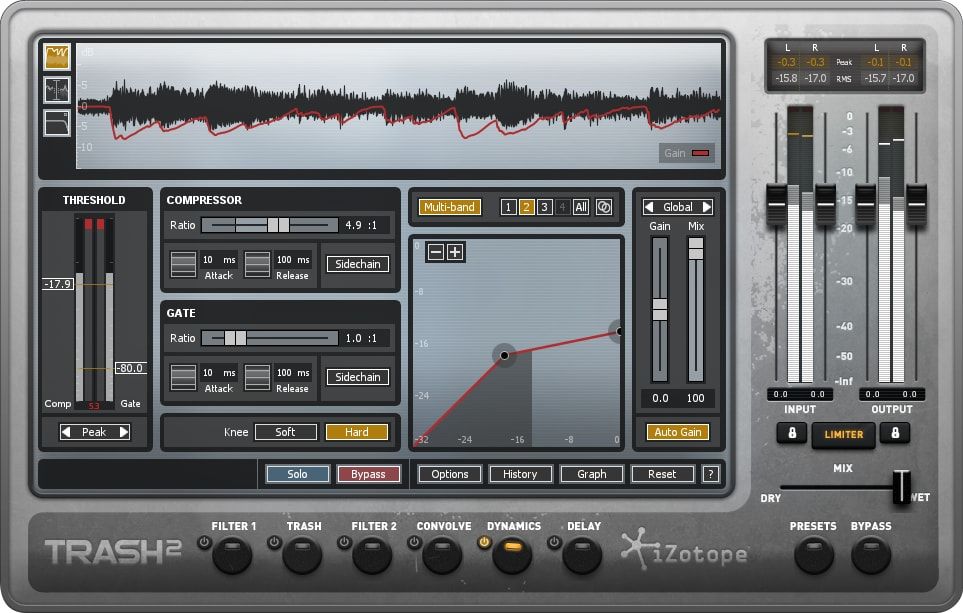
New Plugin

#izotope #trash2 #effects #free
iZotope Trash 2 v2.05 ! ------------------------------------------------------ Posted by Strakzz @Free_VST_Plugins_1
To work out the order of flats, you reverse the se
To work out the key signature for flats, we go back one flat symbol using the order of flats. If we have to two flats, ( Bb & Eb, our key signature is going to be Bb Major. As with sharps, you of course have relative majors / minors, but the way of working out relatives is different because of the way you work out a major key signature using flats. We’ve already learned how to work out the major key signature for flats and this is the only difference in the process for working out the relative minor which follows the same rule when working out the minor key for sharps. To work out the minor when flats are in the key signature, you go back three again. So for two flats, our key signature is Bb Major, it’s relative minor is going to be G minor. Here’s the notes in order again: A, B, C, D, E, F, G (working right to left) __________________________________ learn more and credits :- https://bedfordguitarteacher.club/circle-of-fifths-explanation/ °°°°°°°°°°°°°°°°°°°°°°°°°°°°°°°°°°°°°°°°°°°° Posted by strakzz @Free_VST_Plugins_1 #chord #circle #fifths
Working out the chord: Ab Major 7th.
Let’s say you’re trying to figure out an Ab major seven chord. Now most likely you don’t know this chord straight off, but what you need to know to begin with is it’s now a four note chord. You already know there’s going to be the tonic, 3rd, and 5th, so you need to find the. 7th note; there were three ‘mystery notes’, now there’s only one note left to work out. The simplest way is going back one from the root note, this is the same as jumping 8 whole notes (octave) and going back one note (G Natural), remembering we’re now in the key of Ab major. If you wanted it to be a minor 7th, you’d go back another half step, so the 7th note would be Gb. Harmonising, using the 5th degree of the scale. You can also use the Circle of Fifths for harmonising. Let’s say you’re writing a melody and you have a melodic line that you want to harmonise using the 5th degree of the scale. Knowing your Circle of Fifths makes this process much easier. Let’s suppose that C now represents a C major chord the G represents a G major chord and so on. We’re in the key of B flat and our a root chord in this key is B flat major. There are two chords that are probably the most important chords in any key that is your root chord, which in this case this us B flat major and then there’s your dominant chord. You can count up or down the stave from your melody line by line, but it’s going to be much quicker if you know what note it is you need to use to harmonise by a fifth – useful if your mind goes blank during an exam. Key Signatures. The Circle of Fifths is most commonly known for working out how many sharps or flats there are for each of the 15 key signatures that you can have. We’ve already learnt how to create the Circle of Fifths, so now we’re going to learn how to apply key signatures for both sharps & flats, to our Circle of Fifths. It’s worth knowing that when there aren’t any sharps or flats at the beginning of a piece of music, that you’re going to be in the key of either C Major, or A minor. It’s usually the first note of the pice which gives the key signature away if you’re note sure, it’ll either a note or chord starting on either C or A. In this diagram, the major keys are on the outside of the third inner circle, and the minor keys are on the second inner circle – which are labelled. Working clockwise or anti-clockwise, you’ll add a sharp to each 5th degree of the scale. So for G major, you’ll have one sharp, F sharp, D major – 2 sharps, A major – 3 sharps, E major 4 sharps and so on. The order of sharps are easy to remember if you remember the following sentence: Father, Charles, Goes, Down, And, Ends, Battle. Each time you add a sharp to the Circle of Fifths, you’re of course including the previous sharp. If you can’t remember how to write the Circle of Fifths, you can still work out the key signature. You start by taking the last sharp and you literally go up a letter. If you’re last sharp is G, you’ll, of course, go back to A because there isn’t a note H in the western musical scale. A B C D E F G. When we’re talking about key signatures, there’s also relative minors and relative majors. These share the same number of sharps or flats. To work out the relative minor when we’re working in a key signature using sharps, we take the last sharp, go up one letter and back three steps. For two sharps, the major key signature is D major, because we have F# and c# as our key signature, C is the last sharp, the next letter is D, back three steps or tones from D, is B, so the key signature is B Minor. Notice, that when drawing the number of sharps for our Circle of Fifths, the sharps overlap with the flats and vice versa, this is because there are 7 sharps and 7 flats so they’re going to overlap by 3. We have 30 different key signatures in total (including C major and A minor), but when it comes to sharps or flats we only have 7 sharps or 7 flats, but we have 29 keys.
You should now understand how to create the Circle
Working out a major triad chord: The Circle of Fifths can also be used to produce major/minor triad chords or working out key signatures. Let’s start on C and let’s suppose that we wanted to create a C Major chord. You probably already know how to do this, but just bear with me here. The first note of course is obvious, it’s going to be C but it’s a three note chord and we have to figure out the other two notes. The formula for a major triad chord, is: tonic, major 3rd, and 5th. The tonic note is C, and in it’s triad form finishes with the note G, which is a 5th apart from C. The middle note between the tonic & the 5th degree of the scale, is going to be a major 3rd, which is two whole steps or two tones: C, D, E, which completes the major chord: C, E, & G. If you wanted to create a minor chord you would follow the same process, but this time you would lower the 3rd by half a semi time or half step.
How the Circle of Fifths is organised.
Let’s start with the note C up at the top. A lot of musical elements centre around the note C, particularly when you’re learning to play the piano, your reference point is ‘middle C’, for example. Next we’re going to find the note that is separated by a 5th. C, D, E, F, G. (We’re working clock-wise / left to right) There’s an easy way to remember the first 6 notes, of the circle of fifths by using this sentence: Charlie Goes Down And Ends Battle. The bold letters/notes are all a 5th apart from each other. A, B, C, D, E, F, G. etc From the note, B, our next note – working clockwise, is going to be an F#. It’s a sharp because you already have an ‘F natural’, in the flat’s section working anti clockwise so, you can’t have the same note twice. Remember that the note C is at 12 O’Clock, and F# is at 6 O’Clock. Having finished at Battle, the note B goes to F#. (B, C,D, E, F) (5th). To remember the order of flats working anti-clockwise, you can remember the following Two words ‘Father BEAD’, F natural, Bb, Eb, Ab,Db, F#.
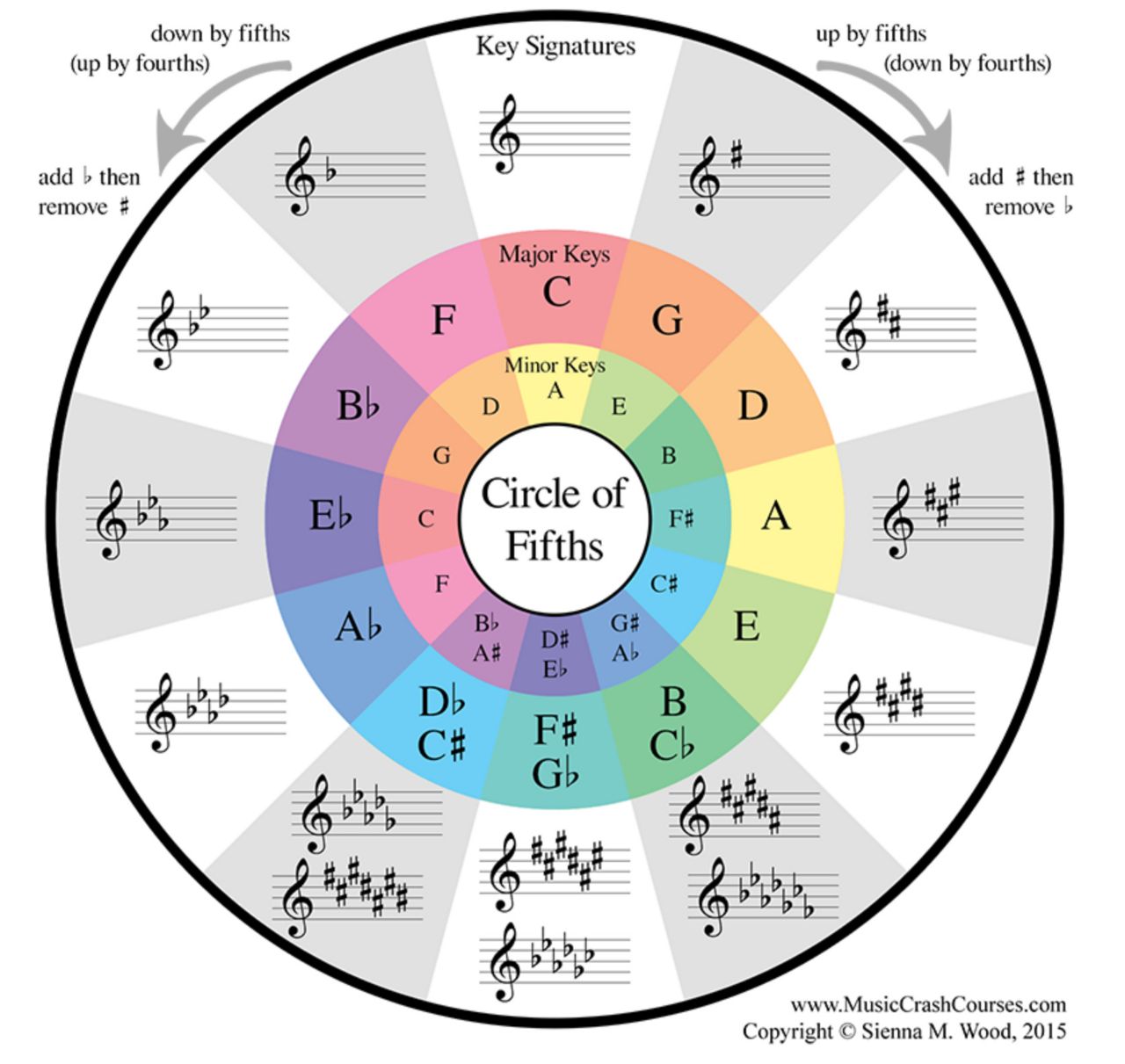
Circle of fifths
************************************* learn more and credits :- https://bedfordguitarteacher.club/circle-of-fifths-explanation/ ------------------------------------------------------ Circle of Fifths. The Circle of Fifths is this amazingly powerful musical tool but unfortunately a lot of people don’t really understand how to use it. It can be pretty confusing so I’m going to show you two things first; some really quick ways to remember it for ever and then and then I’m going to show you what how to use it to work out key signatures, chords and harmonising a melody using the 5th degree of the scale. To start with you’ll need to know how to build a Circle of Fifths. What we’re going to do is we’re going to arrange all 12 notes of the western scale around this circle. But rather than do them in order we’re going to separate them by the interval of a fifth.
@SNAKENEST666
@SNAKENEST666
😈
😈
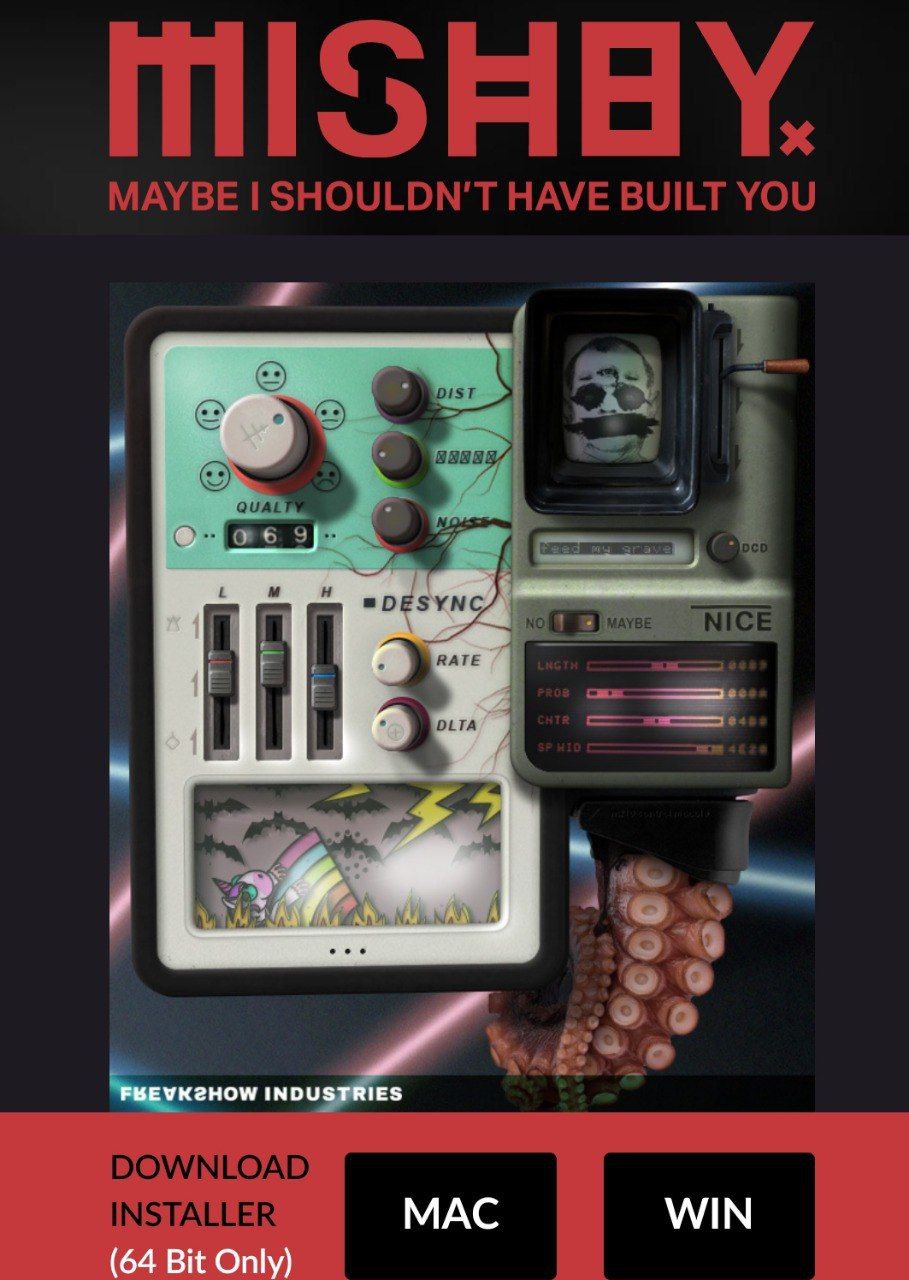
PLUGIN FORMAT (64 bit only):
😈
#hypersonic #vsti #free #plugins
Hypersonic 2 ! Size : 150 MB File Format : VSTI OS : Win __________________________________ Posted by Strakzz @Free_VST_Plugins_1
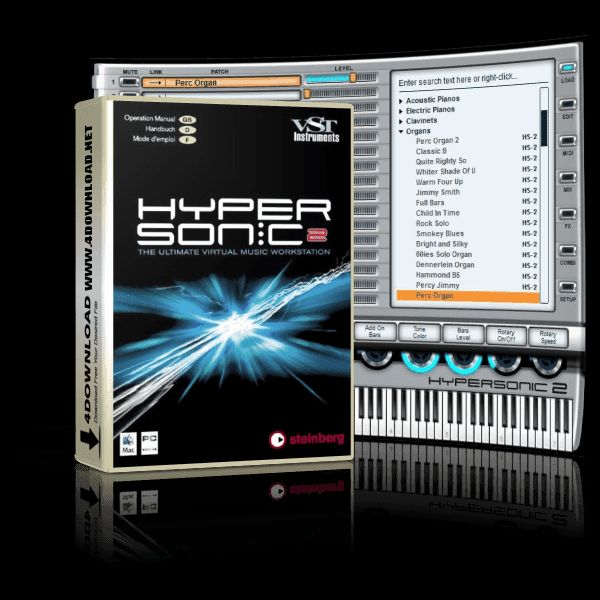
#hypersonic #vsti #free #plugins
Hypersonic 2 ! __________________________________ Posted by Strakzz @Free_VST_Plugins_1
SERUM 2021
SERUM 2021
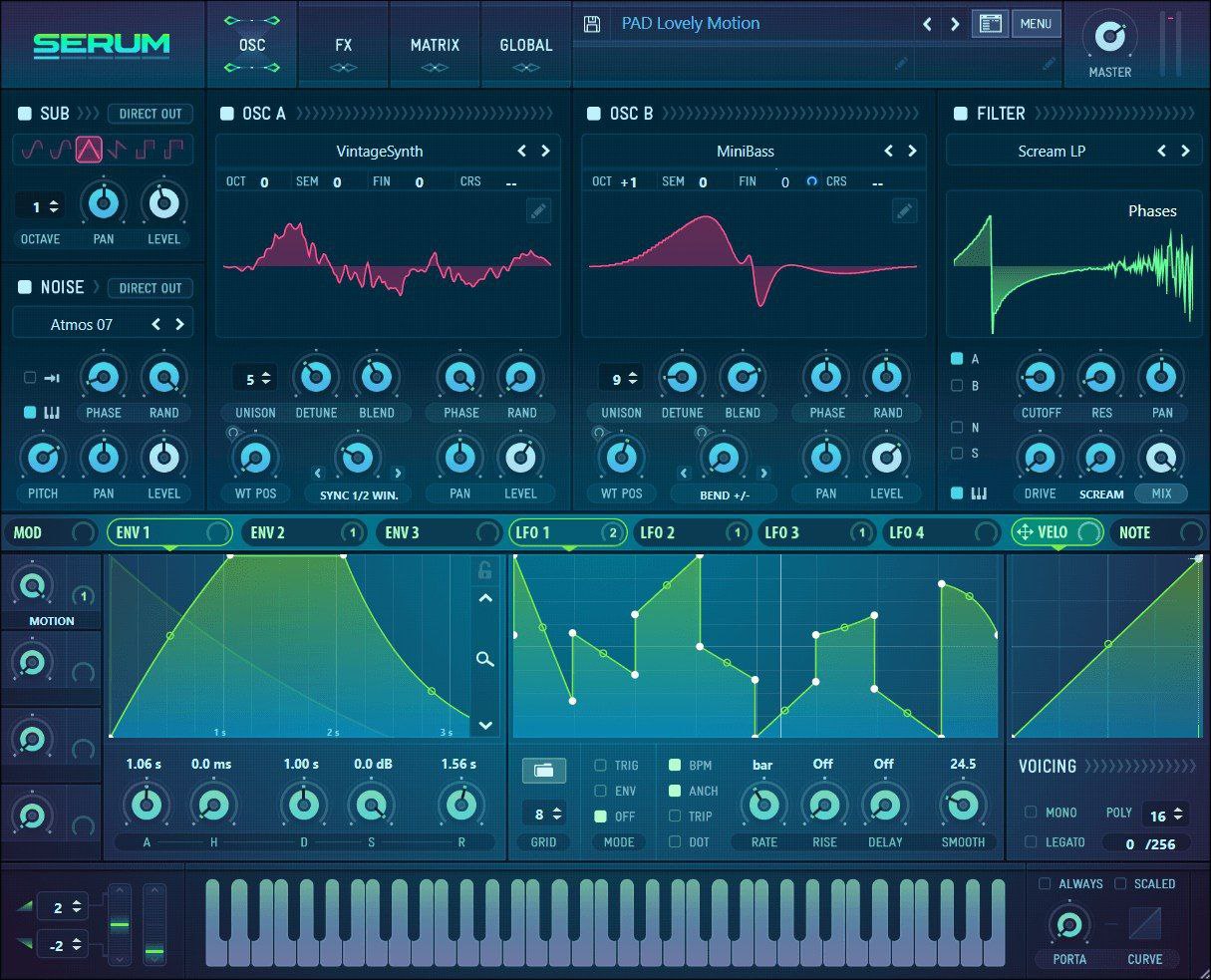
🐍Serum Fixed fast load 🧊
#SNAKENEST
#xfer #serum #presets #packs #free
Xfer Serum Presets😎🔥 25,000± presets for Serum 🔥🔥 Size: 208.7 mb ------------------------------------------------------ Posted by Strakzz @Free_VST_Plugins_1
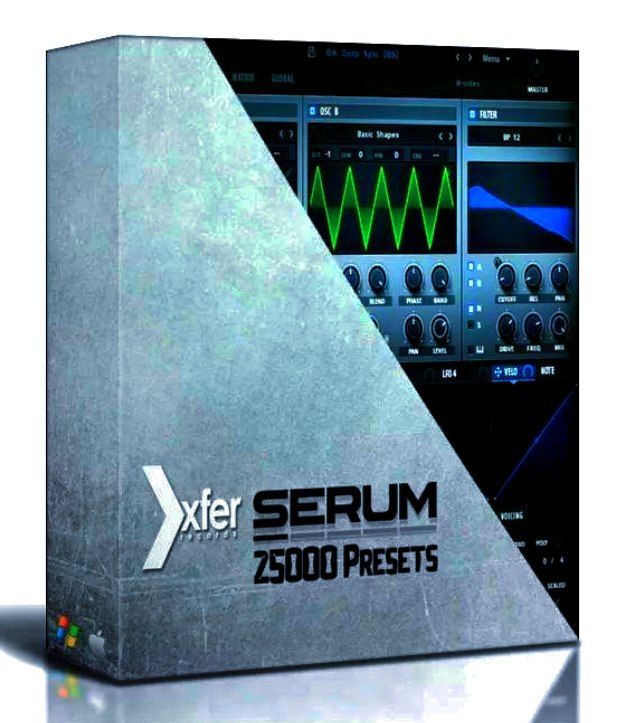
#xfer #serum #presets #packs #free
Xfer Serum Presets😎🔥 25.000± presets for Serum 🔥🔥 ------------------------------------------------------ Posted by Strakzz @Free_VST_Plugins_1
#pspaudioware #infinistrip #effects #free #vst
PSPaudioware - PSP InfiniStrip 1.0.3 File Format :- VST, VST3, AAX x86 x64 Version : 1.0.3 OS : Windows x32,x64 Size: 55.6 MB __________________________________ Posted by Strakzz @Free_VST_Plugins_1
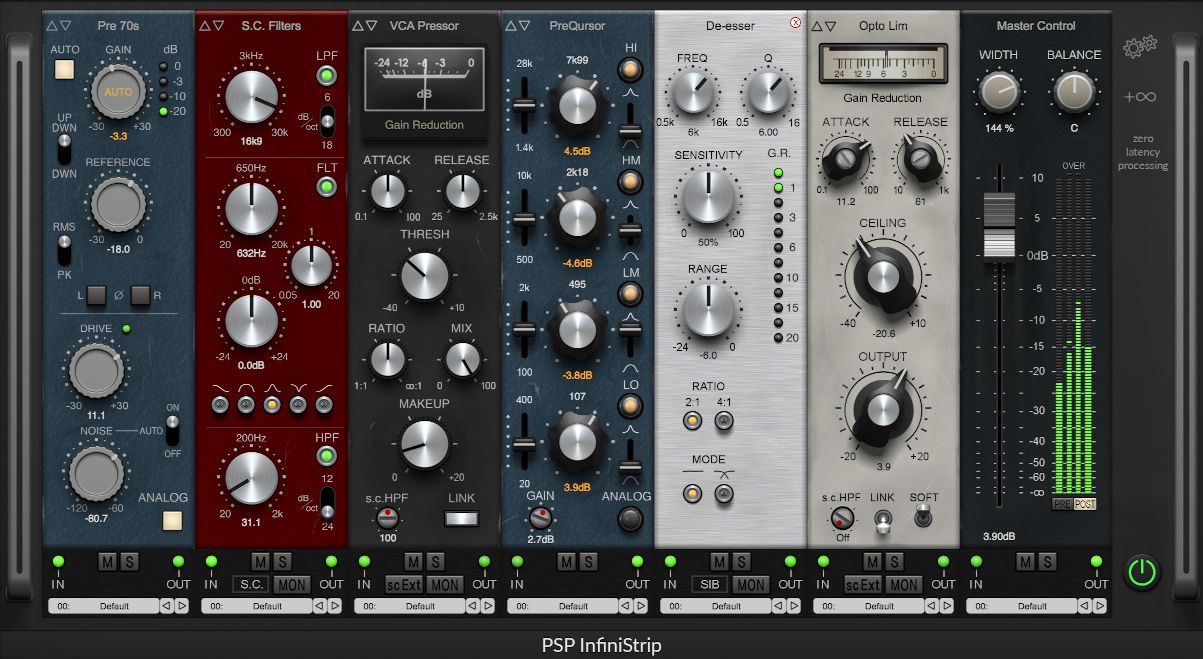
#pspaudioware #infinistrip #effects #free #vst
PSPaudioware - PSP InfiniStrip 1.0.3 __________________________________ Posted by Strakzz @Free_VST_Plugins_1
Feel Free Bro's
Feel Free Bro's
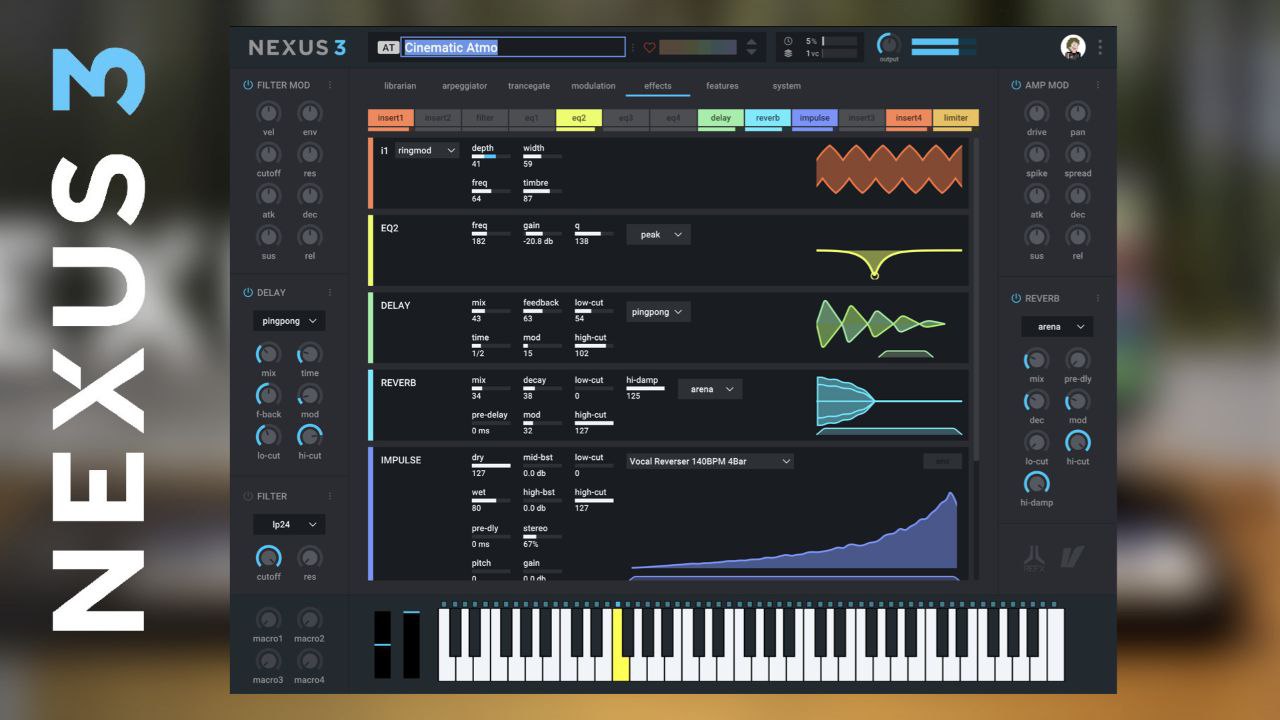
NEXUS 3 UPDATE SOUND AUTOLOADER.... WORKING 1A🤠
NEXUS 3 UPDATE SOUND AUTOLOADER.... WORKING 1A🤠
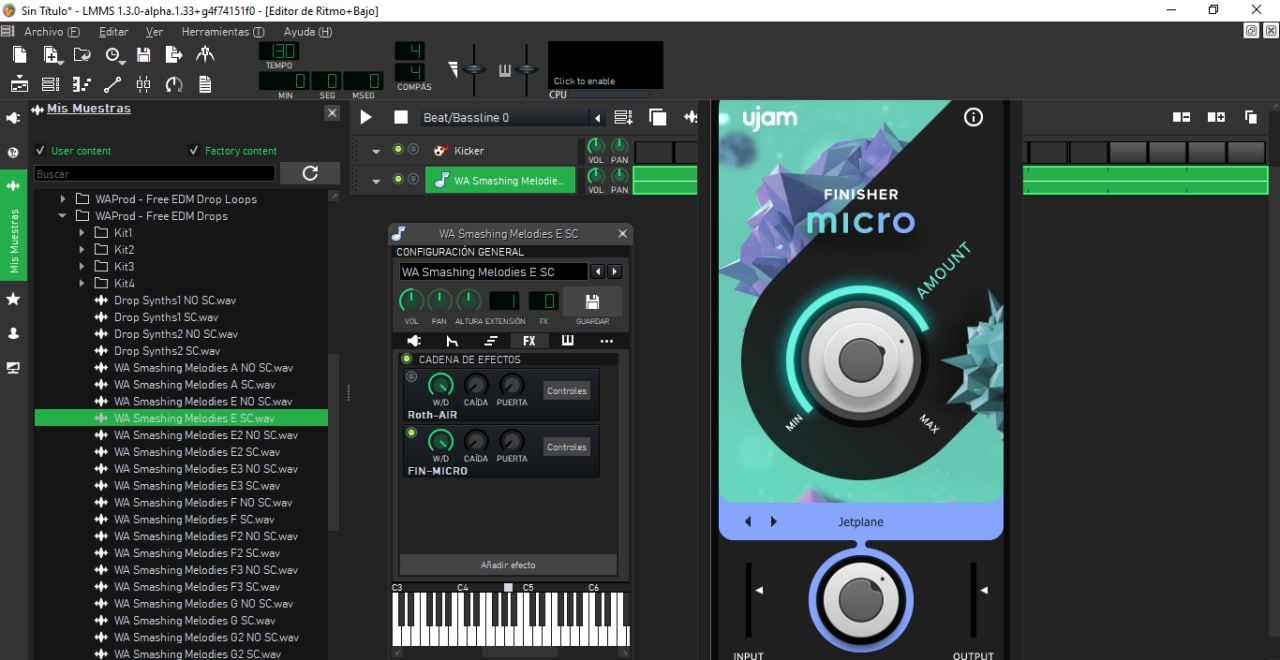
#finisher #micro #vst #free #effect #mixmaster
Finisher Micro Os : Windows Size : 57MB File Format : VST ************************************* Posted by strakzz @Free_VST_Plugins_1
New Plugin
#finisher #micro #vst #free #effect #mixmaster
Finisher Micro ************************************* Finisher stands for instant inspiration and endless creative sonic variety, a little bit like a magic spray finish for audio tracks. °°°°°°°°°°°°°°°°°°°°°°°°°°°°°°°°°°°°°°°°°°°°° Posted by strakzz @Free_VST_Plugins_1
Fresh Air
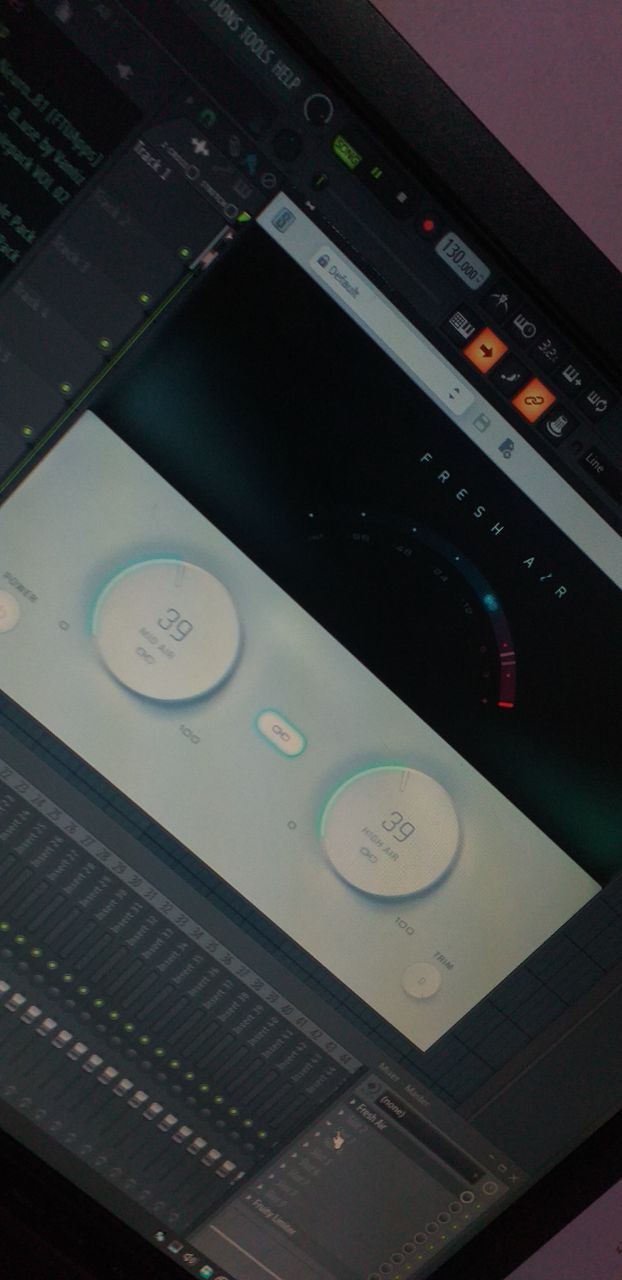
Fresh Air
Mu technologies that allows you to tune your vocal
Mu technologies that allows you to tune your vocal recordings, apply special effects and add natural sounding harmonies when mixing your track. The proprietary spectral analysis and synthesis techniques set new standards in vocal processing providing a unique tool for your recording studio. Tedious pitch curve editing is history now. An internal delay of only 5.8 ms makes Mu Voice the ideal vocal processor to perform live on stage.
#bit #changer #jbridge #free #vst
JBRIDGE ::::::::::::::::::::::::::::::::::::::::::::::::::::::::::::: Bit Changer! Changer for Plugin(vst,vsti) bit ⚠️ Watch Youtube Tutorials Video 32 bit to 64 bit 64 bit to 32 bit __________________________________ Posted by strakzz @Free_VST_Plugins_1
#bit #changer #jbridge #free #vst
JBRIDGE ::::::::::::::::::::::::::::::::::::::::::::::::::::::::::::: Bit Changer! Changer for Plugin(vst,vsti) bit ⚠️ Watch Youtube Tutorials Video 32 bit to 64 bit 64 bit to 32 bit ______________________________ Posted by strakzz @Free_VST_Plugins_1
OFFICIAL
PASSWORD FOR VALHALLA VINTAGE REVERB : ryderqbeats
#oeksound #smoothe2 #vst #free
Oeksound Soothe2 File Format : VST, VST3, AAX Version : v.1.1.2 OS : Windows (32/64bit) Size : 29.3 MB ********************************* Posted by Strakzz @Free_VST_Plugins_1
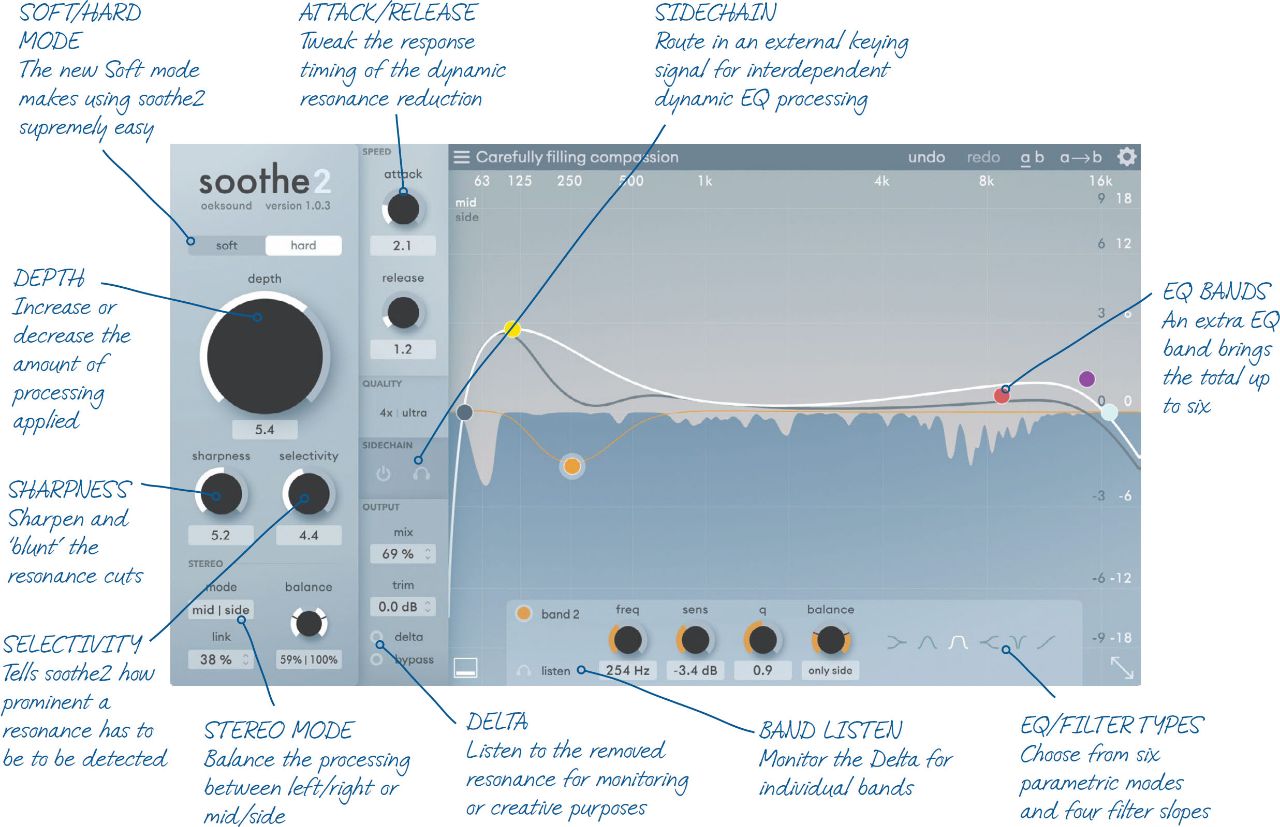
New Plugin
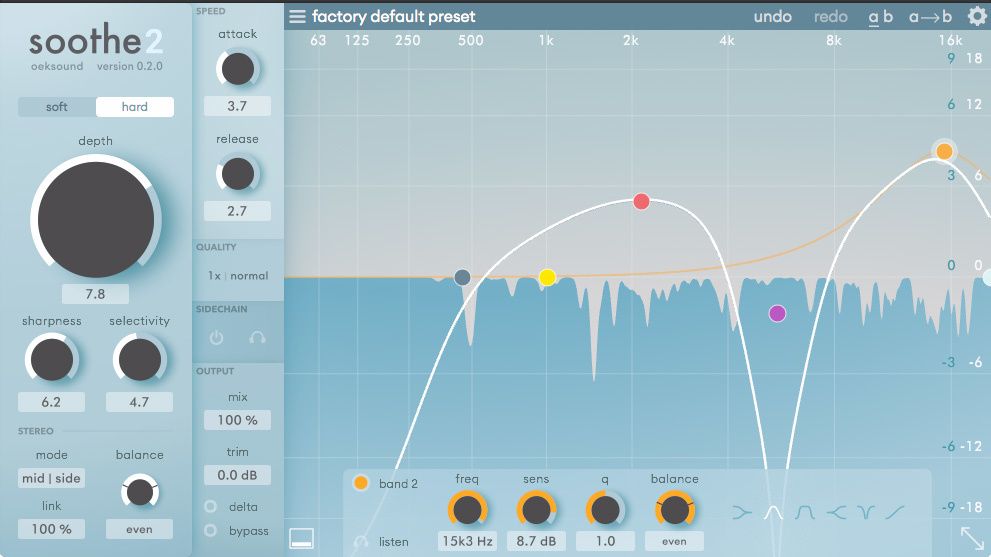
#oeksound #smoothe2 #vst #free
Oeksound Soothe2 •••••••••••••••••••••••••••••••••••••••••••••••• soothe2 can be used to reduce harshness, sibilance and mud from the sound source, and excels in fixing a range of problems. With soothe2 you can: Remove harshness from close mic'd sound sources. Transparently manage sibilance in vocals and dialog. ************************************* Posted by Strakzz @Free_VST_Plugins_1
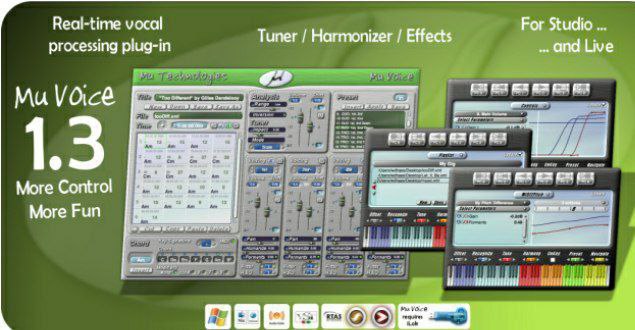
Mu technologies that allows you to tune your vocal
Mu technologies that allows you to tune your vocal recordings, apply special effects and add natural sounding harmonies when mixing your track. The proprietary spectral analysis and synthesis techniques set new standards in vocal processing providing a unique tool for your recording studio. Tedious pitch curve editing is history now. An internal delay of only 5.8 ms makes Mu Voice the ideal vocal processor to perform live on stage.

Obelisk makes it effortless to write chord progres
Music theory knowledge is not required. The structure of the harmony is created by selecting intervals on the right of the GUI, or by loading up one of the many chord presets. By pressing a few notes on your keyboard, you can create the harmonic basis of your new track. Obelisk works with any of your synths or samplers. Just set up your DAW to send MIDI from Obelisk into your synth. Please see the requirements to see if your DAW is compatible (most are!).
Native Instruments RAUM🐍🧊
Native Instruments RAUM🐍🧊
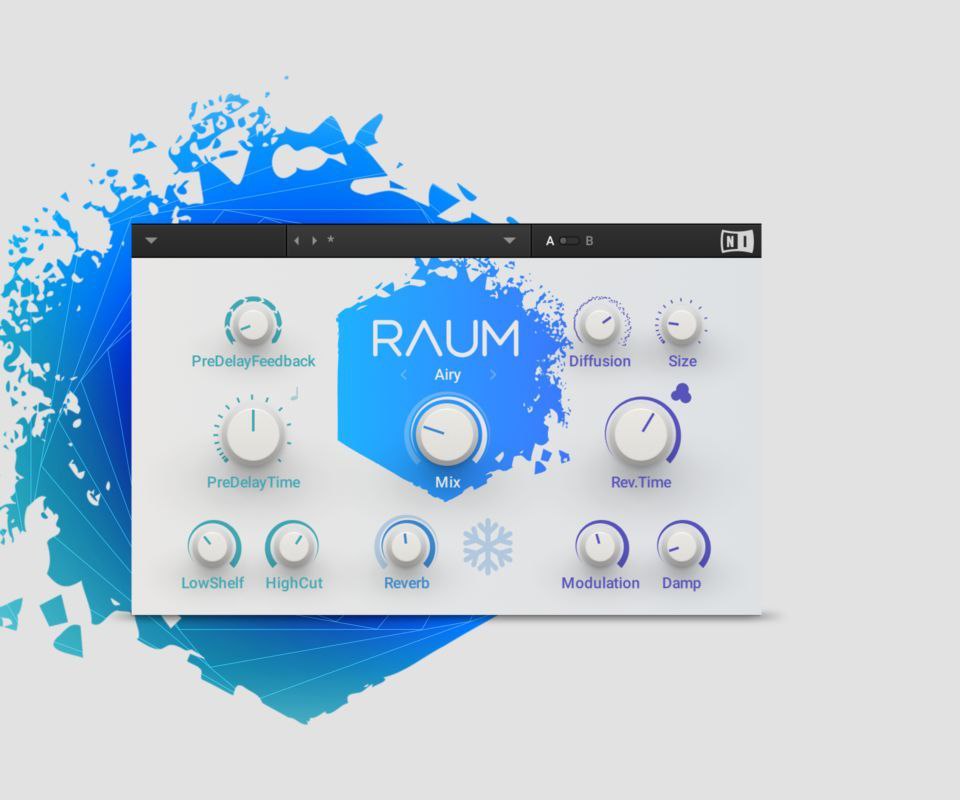
Native Instrument. 🎁RAUM 🎁
Native Instrument. 🎁RAUM 🎁
https://t.me/joinchat/AIh5Vx2UJHg4NmJi
https://t.me/joinchat/AIh5Vx2UJHg4NmJi
NEXUS 3️⃣
Help is always guaranteed on these channels.🤔👨💻🤩 @FLStudioMusicProductionHelp @NexusDlc @Free_VST_Plugins_1 💎Feel Free💎
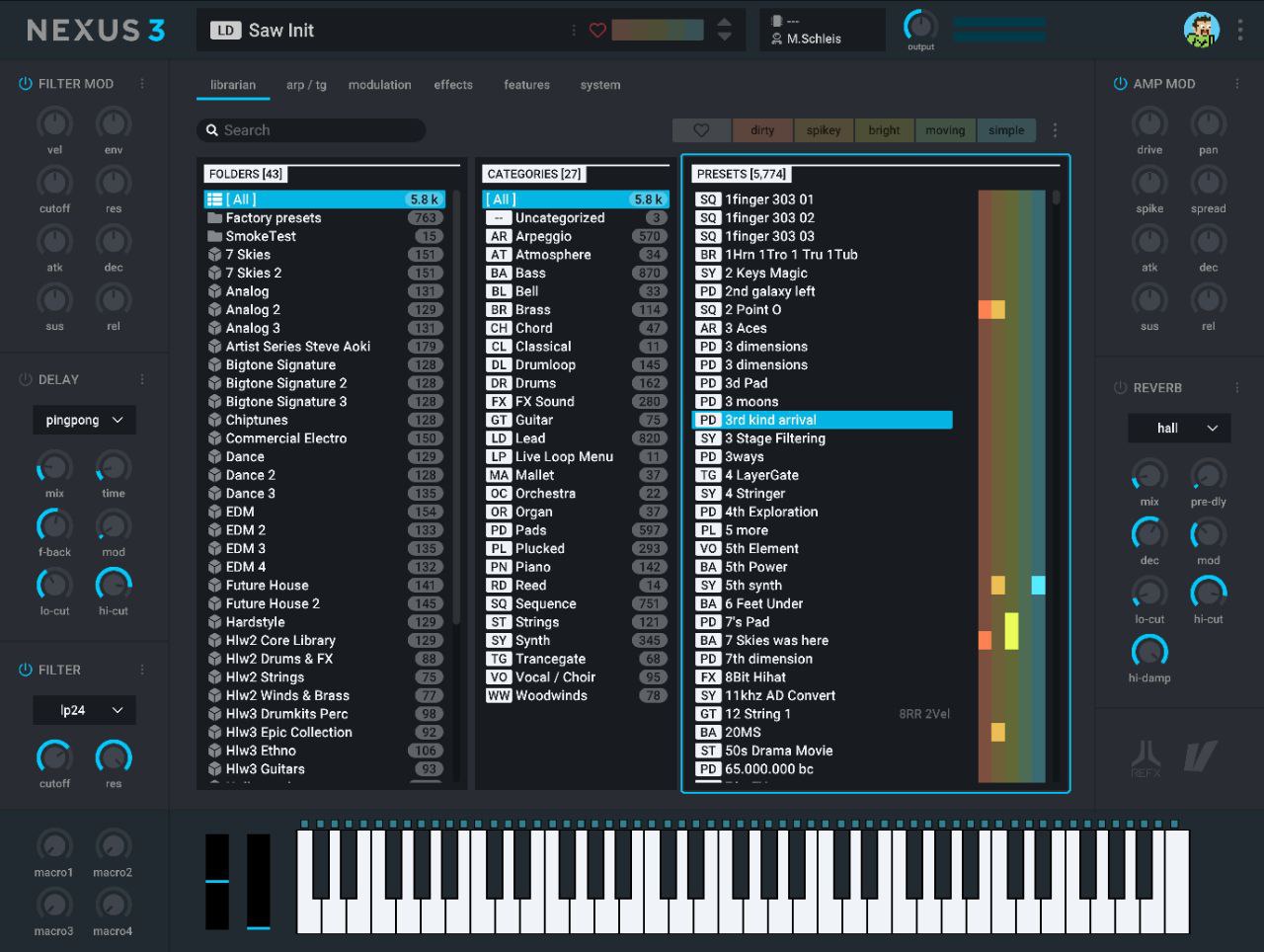
NEXUS 3️⃣
Big thanks to 💐 @FLStudioMusicProductionHelp
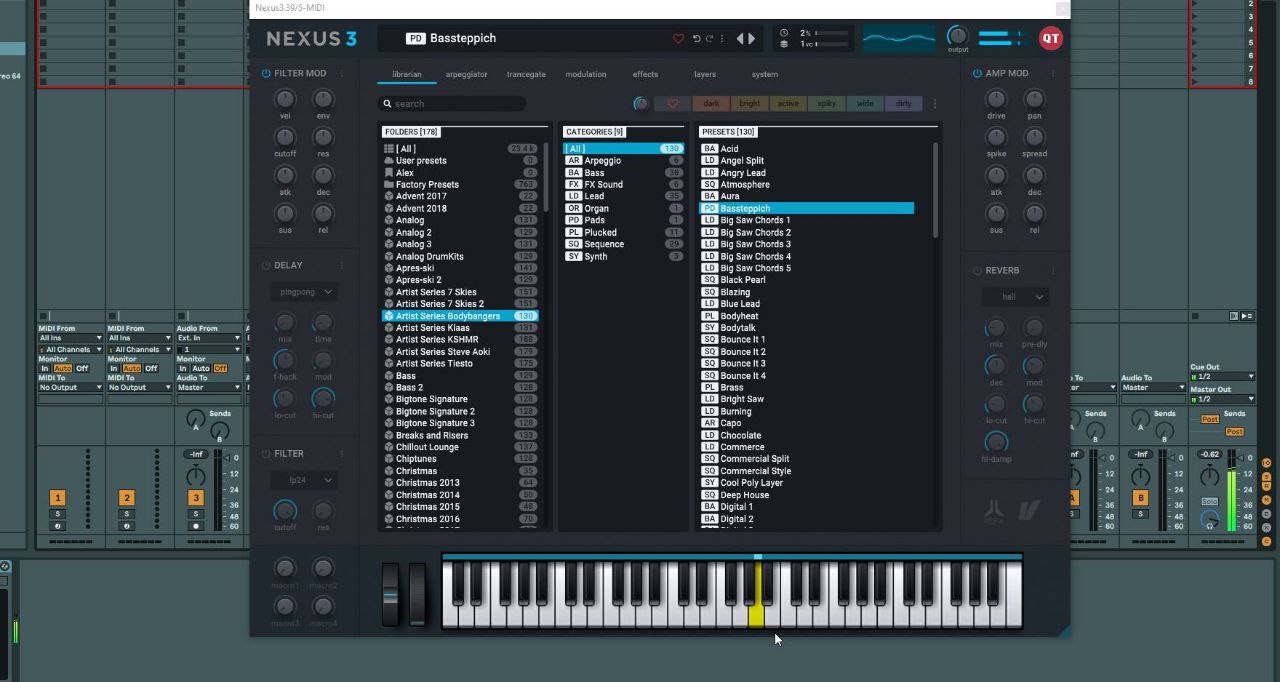
🐍🧊
🐍🧊
#Massive #vst #free
Native Instruments Massive v1.5.5 Size : 92MB File format : VST Os : Win @@NexusDlc
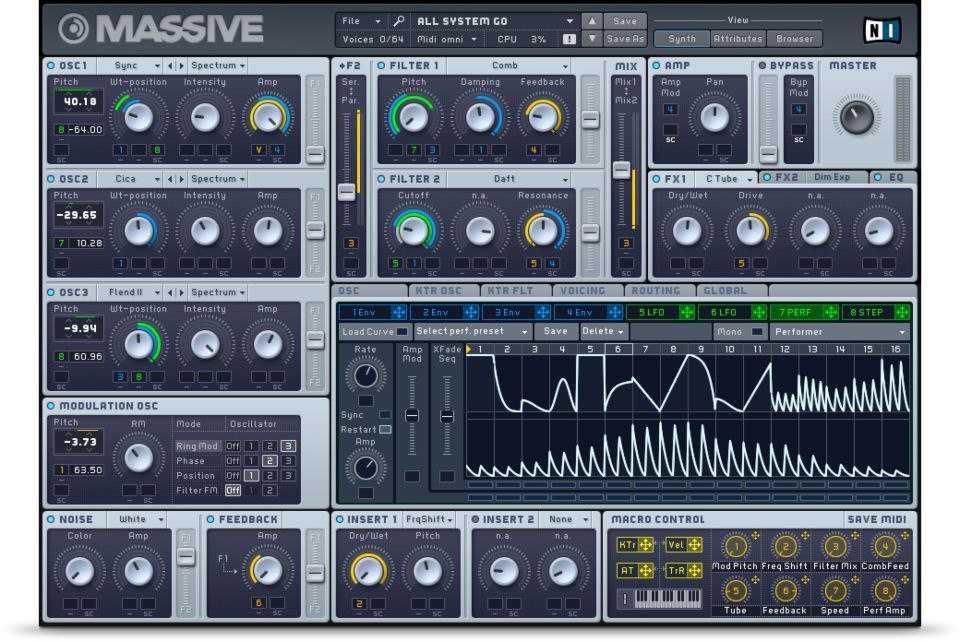
#Massive
#Massive
FL Studio & Music Production Help Group
💬Telegram grupe : https://t.me/FLStudioMusicProductionHelp 💬WhatsApp group: https://chat.whatsapp.com/HoIK6WHScsH10WFSAJbZcj

#omnivox #vocal #slatedigital #sample #free
::::::::::::::::::::::::::::::::::::::::::::::::::::::::::::::::::: Omnivox Vocal Sample Pack Slate Digital Size : 829mb Link : https://t.me/Free_VST_Plugins_1/401 °____________________________________° Posted by Strakzz @Free_VST_Plugins_1
#absynth5 #synth #free #native #vst
ABSYNTH 5 Size : 1.2GB @NexusDlc
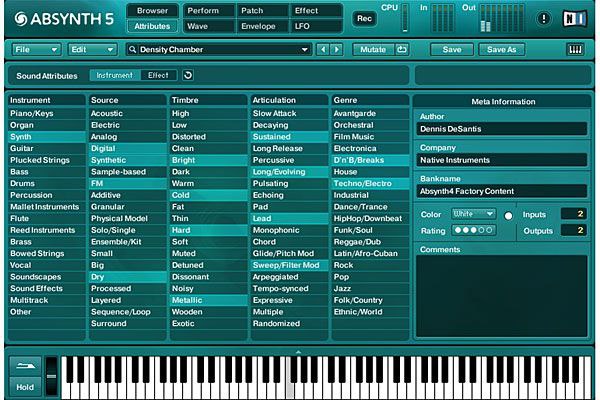
ABSYNTH 5
🐍❄️

Triple Seis Lofi Drum Kit
Triple Seis Lofi Drum Kit
Palmtri - Flaws ( FLP)
Palmtri - Flaws ( FLP)
New Plugin
Unique trap metal kit!!!High quality sounds and sa
Unique trap metal kit!!!High quality sounds and samples!!!!
Best reverb plugin that you can use for recreating
Best reverb plugin that you can use for recreating the 80s sound in your works
Valhalla Vintage Verb
Valhalla Vintage Verb
#adobe #illustrator #cc #free #software
Adobe Illustrator CC 2018 •••••••••••••••••••••••••••••••••••••••••••••••• Create logos, icons, sketches, typography and more. __________________________________ Posted By Strakzz @Free_VST_Plugins_1
This tutorial important for hiphop , Dubstep , Fu
This tutorial important for hiphop , Dubstep , Future bass , rap producers
https://youtu.be/QFkJ1aJZ62I
https://youtu.be/QFkJ1aJZ62I
Kyle Beats - Drip FX
PW - DRIP-5PCW-0NTC-SDR5
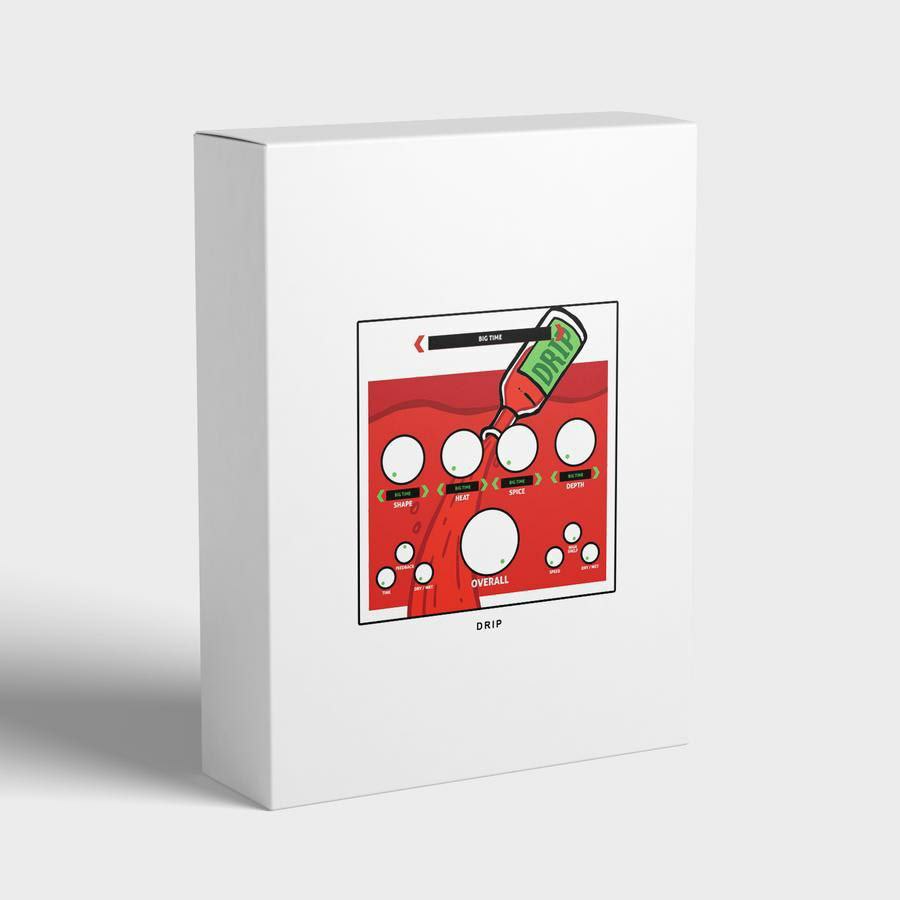
Kyle Beats - Drip FX
Kyle Beats - Drip FX
🎶PreBOX🎧 mac
🎶PreBOX🎧 mac
🎶PreBOX🎧 win
🎶PreBOX🎧 win
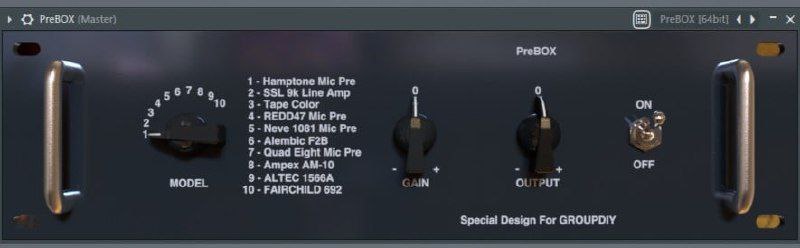
🎶PreBOX🎧
🎶PreBOX🎧
#ana #sonic #academy #VST #Free
Sonic Academy ANA 2 Slate Bundle 2.0.94 Size : 1.7GB Os : Win Format : VST ------------------------------------------------------ Posted by Strakzz @Free_VST_Plugins_1
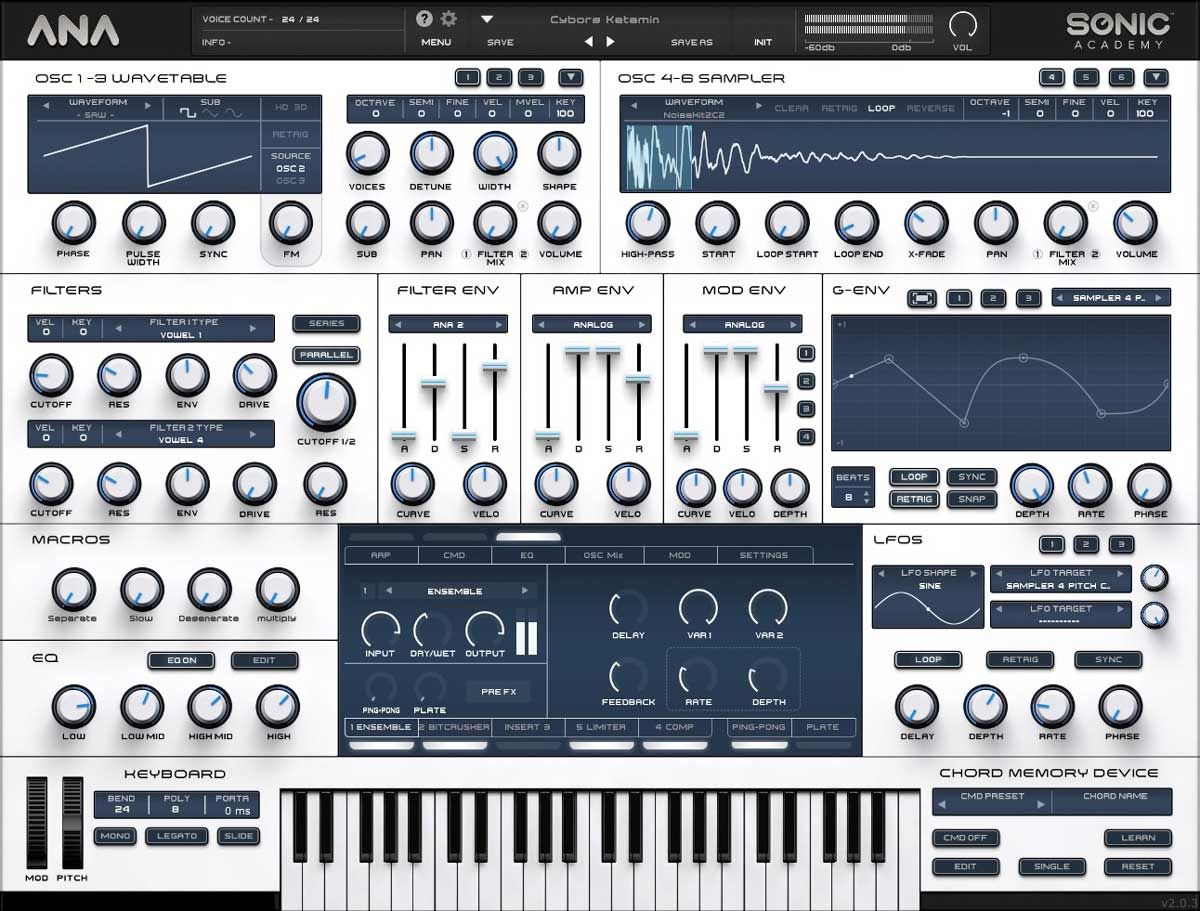
New Plugin
#ana #sonic #academy #VST #Free
Sonic Academy ANA 2 Slate Bundle 2.0.94 ------------------------------------------------------ Posted by Strakzz @Free_VST_Plugins_1
DUDE CLAY - CROME
DUDE CLAY - CROME
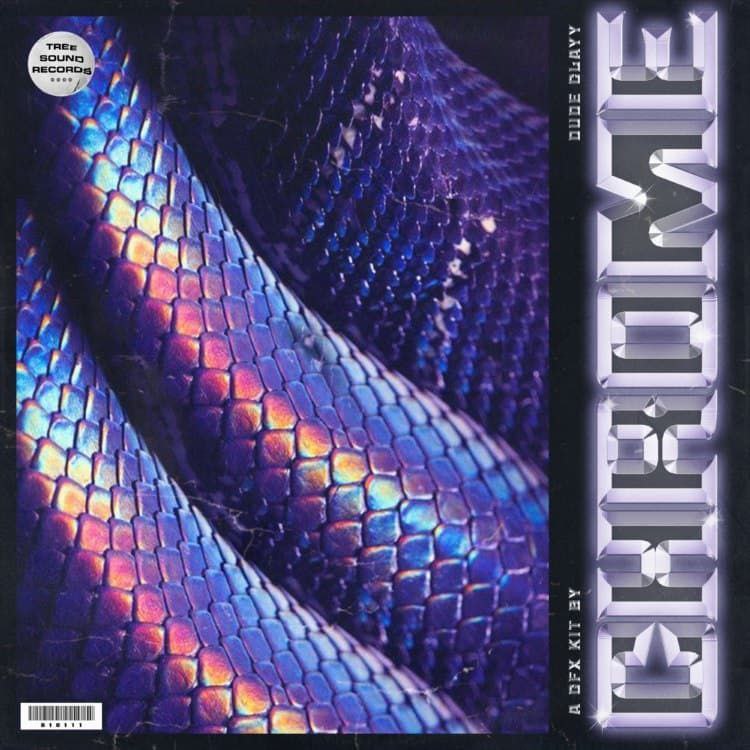
✨Chrome✨
✨Chrome✨
✴️ RaveGenerator 2 ✴️
✴️ RaveGenerator 2 ✴️
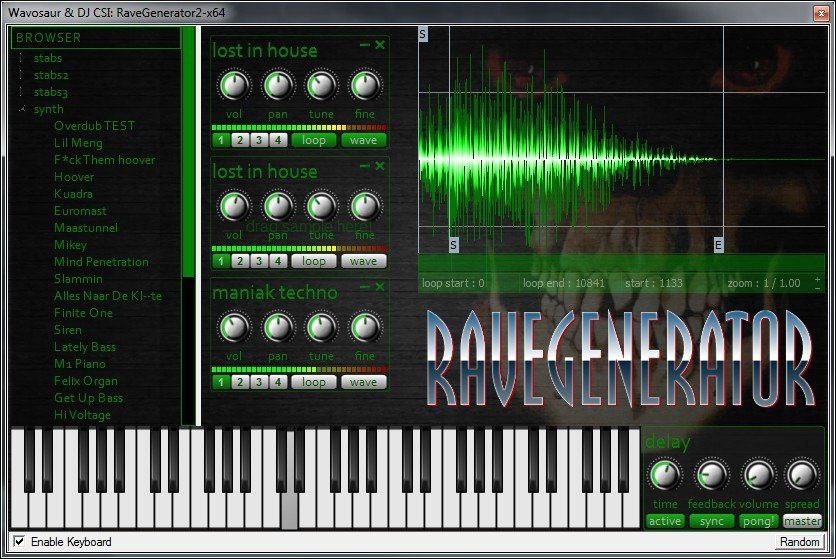
RaveGenerator🤸♀️🕺
RaveGenerator🤸♀️🕺

New Plugin

What do you need ?
Comment I will genarate and give you direct download link 😁 ----------------------------------------------------------- Posted by Strakzz @Free_VST_Plugins_1
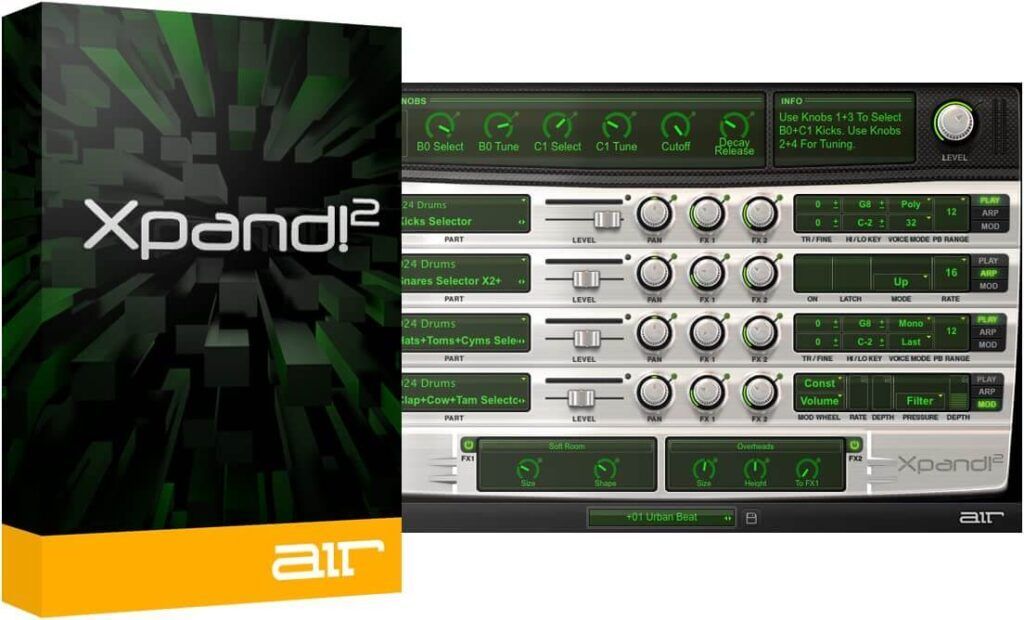
#xpand #free #plugins #mac
Xpand! For mac Size : 1GB Os : Mac Download link :- http://91.219.239.237/Xpand%212_2.2.7_macOS.dmg ------------------------------------------------------ Posted by Strakzz @Free_VST_Plugins_1
#duet #backvocal #vocal #free #vst
Duet . Ajoyib back vocal Size : 850 kb File format : VST ------------------------------------------------------ Posted by Strakzz @Free_VST_Plugins_1
#duet #backvocal #vocal #free #vst
Duet . Ajoyib back vocal ------------------------------------------------------ Posted by Strakzz @Free_VST_Plugins_1
If you have a Nexus 3 installation problem , conta
If you have a Nexus 3 installation problem , contact this grupe :- @FLStudioMusicProductionHelp
🐍SC Infinity Synth🐍
🐍SC Infinity Synth🐍
Revealed Recordings – Revealed Japan Vol. 1 (WAV,
Revealed Recordings – Revealed Japan Vol. 1 (WAV, SYLENTH)

Revealed Recordings – Revealed Japan Vol. 1 (WAV,
Revealed Recordings – Revealed Japan Vol. 1 (WAV, SYLENTH)
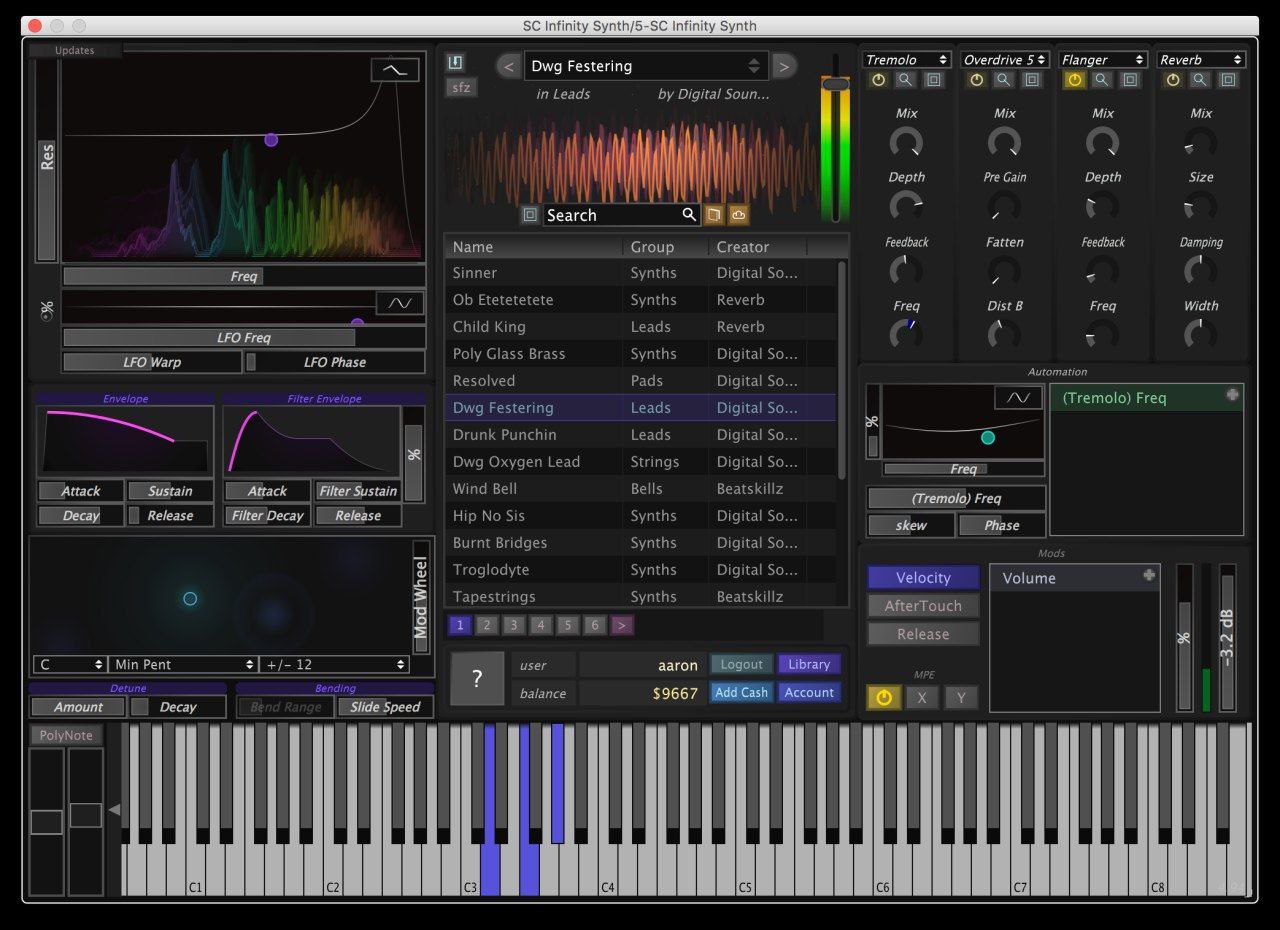
🐍SC Infinity Synth🐍
🐍SC Infinity Synth🐍
It's not all perfect yet, but it's working.
It's not all perfect yet, but it's working.
🐍🧊
🐍🧊
#waves #fullbundle #bundle #free
Waves full bundle 11 ----------------------------------------------------------- Posted by Strakzz @Free_VST_Plugins_1
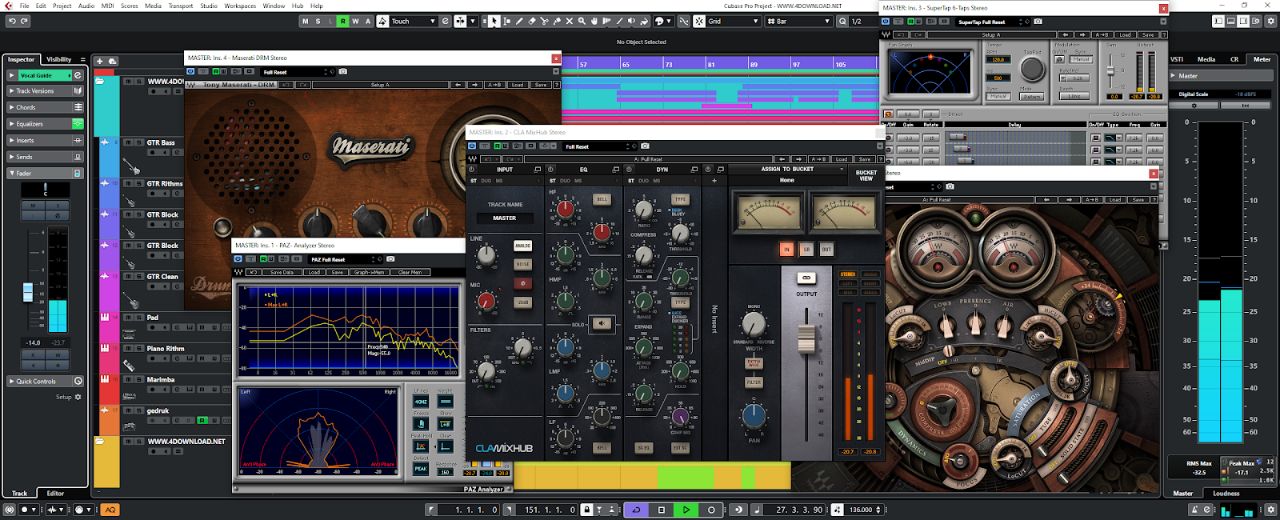
#waves #effects #bundle #free
Waves full bundle v11 ---------------------------------------------------------- Posted by Strakzz @Free_VST_Plugins_1

New Plugin
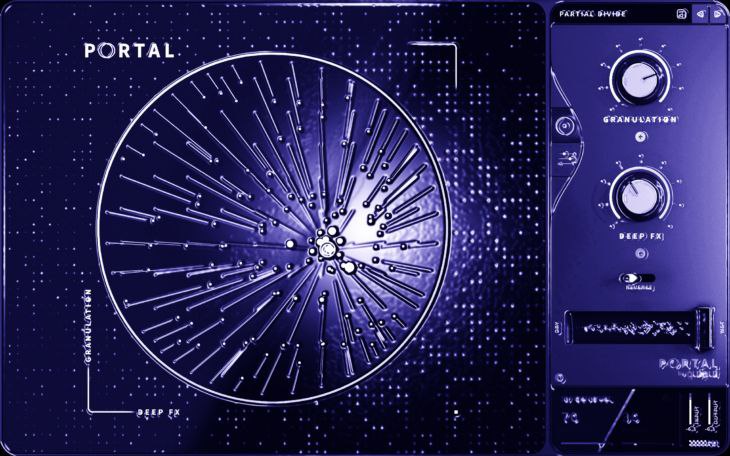
🌌Potal Output 🎇
🌌Potal Output 🎇
🛸2cAUDIO Aether V1. 5🛸
🛸2cAUDIO Aether V1. 5🛸
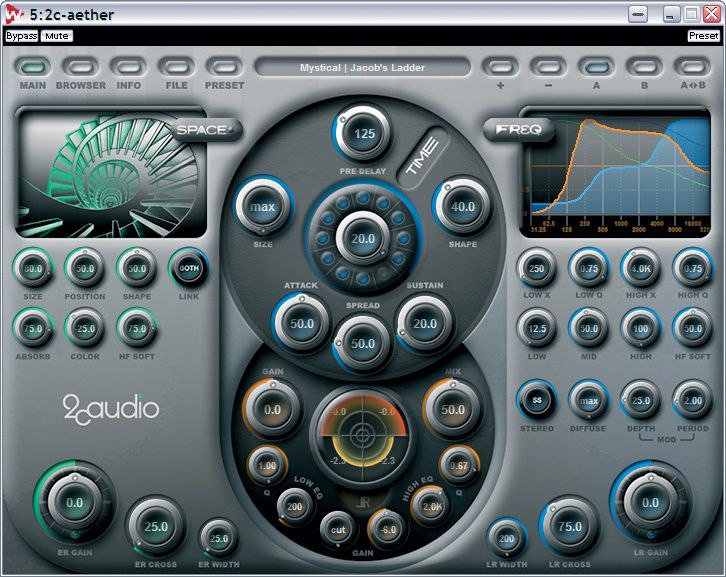
🛸2cAUDIO Aether V1. 5🛸
🛸2cAUDIO Aether V1. 5🛸
💎GRMS VOL. 16 NOSTALGIC 💎
💎GRMS VOL. 16 NOSTALGIC 💎
💎GRMS VOL. 16 NOSTALGIC 💎
💎GRMS VOL. 16 NOSTALGIC 💎
💎GEMS 17 DRILL💎
💎GEMS 17 DRILL💎
💎GEMS 17 DRILL💎
💎GEMS 17 DRILL💎
💎 Gems vol 18 Rnb 💎
💎 Gems vol 18 Rnb 💎
💎 Gems vol 18 Rnb 💎
💎 Gems vol 18 Rnb 💎
GEMS VOL 20
GEMS VOL 20
💎GEMS 20💎
💎GEMS 20💎
💎GEMS VOL 21 TRAP 💎
💎GEMS VOL 21 TRAP 💎
💎 Gems Vol 2 💎
💎 Gems Vol 2 💎
New Plugin
New Plugin
New Plugin
New Plugin
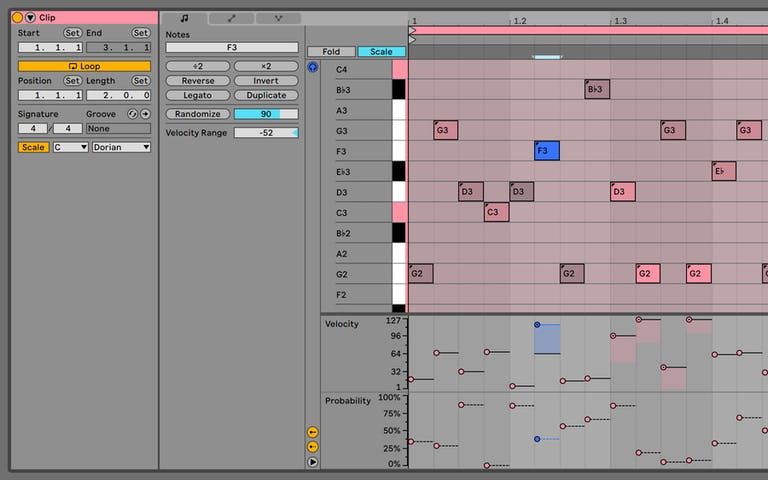
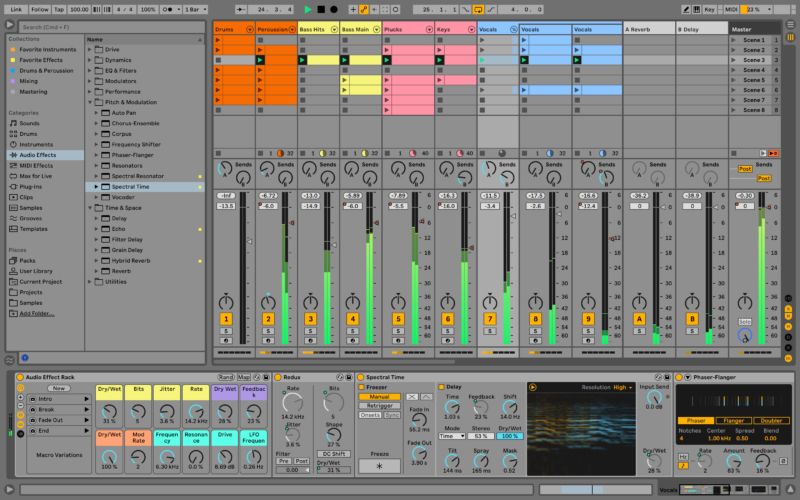
#Abletone #daw #live #free #vst
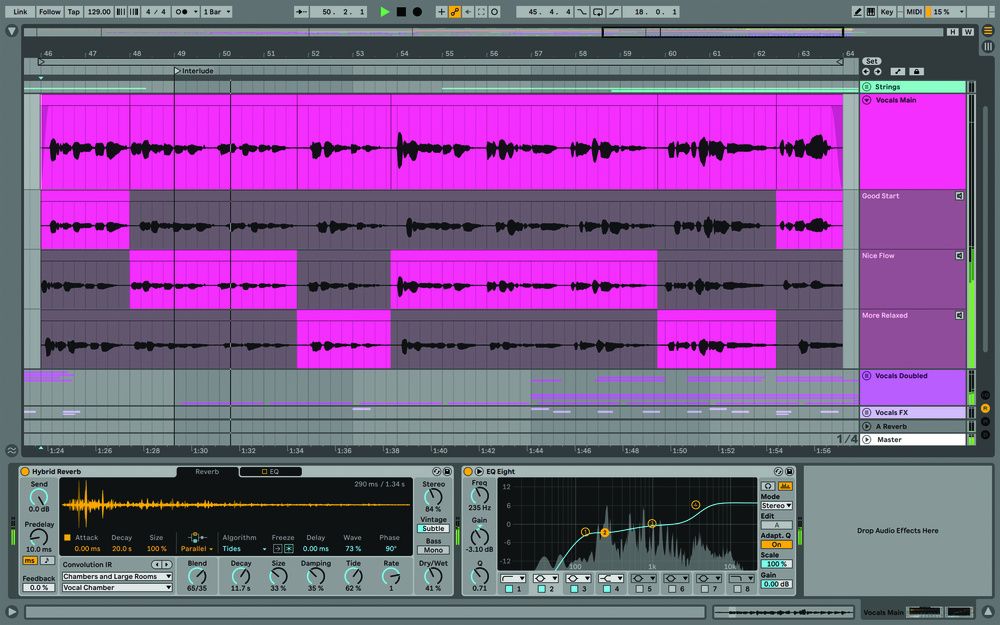
Ableton Live Suit 11 Size : 2.2GB Os : Win Zip password : @working100working 100% working Posted by Lost in Space @NexusDlc
ABLETON 11 part2
ABLETON 11 part2
Platform Statistics
Elevate Your Sound with the Best Free VST Plugins
In the modern era of music production, you don't need to spend thousands of dollars on expensive software to achieve a professional sound. Our Free VST Archive is a curated collection of high-quality Virtual Studio Technology (VST) instruments and effects that rival their premium counterparts. Whether you are a beginner looking to start your first project in FL Studio or a seasoned professional using Ableton Live, our archive provides the tools you need to succeed.
Why Use Free VST Plugins?
Free VST plugins offer an incredible opportunity for producers to experiment with different sounds without financial risk. Many developers release free versions of their software to give back to the community or to showcase their DSP (Digital Signal Processing) capabilities. From legendary synthesizers like Vital and Surge XT to essential mixing tools like MeldaProduction's free bundle, the quality of free audio software has never been higher.
By using these resources, you can expand your sonic palette, learn the fundamentals of synthesis, and master the art of mixing and mastering. Our community on Telegram constantly shares the latest updates and hidden gems, ensuring you always have access to the cutting edge of free audio technology.
Essential Categories in Our Archive
Our archive is organized to help you find exactly what you need for your next track. We categorize plugins into several key areas:
- Virtual InstrumentsExplore powerful synthesizers, realistic samplers, and unique sound generators that form the core of your compositions.
- Mixing & EffectsMaster your sound with high-quality EQ, compression, reverb, and delay plugins designed for professional-grade processing.
- Utility ToolsStreamline your workflow with MIDI tools, analyzers, and organization plugins that make music production more efficient.
- Guitar & Amp SimsAchieve authentic guitar tones with free amp modeling and cabinet simulation software.
How to Install VST Plugins
Installing these plugins is straightforward. Most VSTs come in VST2, VST3, or AU formats. Simply download the file, and if it's an installer, run it. If it's a DLL or VST3 file, move it to your DAW's designated plugin folder (usually found in C:\Program Files\Common Files\VST3 on Windows or /Library/Audio/Plug-Ins/Componentson macOS). Once moved, rescan your plugins within your DAW, and you're ready to start creating.